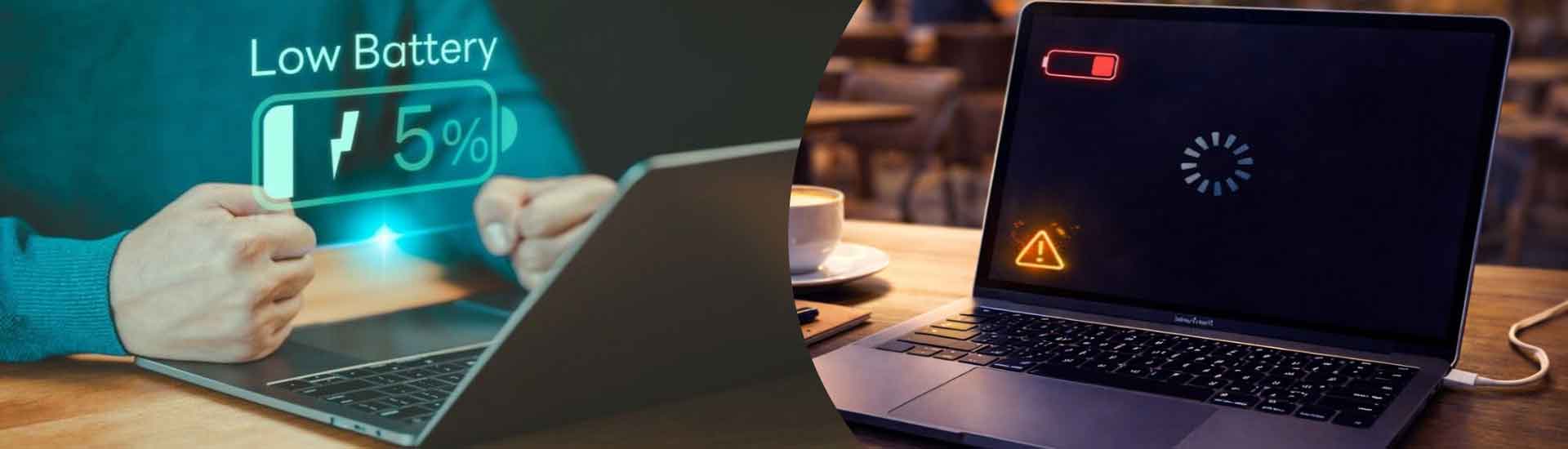

Laptop Not Charging? Things You Can Check Before Repair
A laptop that suddenly stops charging can be frustrating, especially when you need it for work, study, or entertainment. Before taking your device to a professional laptop repair service centre in Kolkata, there are several simple things you can check yourself. In some cases, the problem may be caused by a loose connection, damaged charger, software issue, or power source rather than a major hardware fault.
Check the Charger and Power Connection
Start by examining the charger carefully. Make sure the adapter is properly connected to the laptop and the wall socket. Try plugging the charger into another working electrical outlet. Check the charging cable for visible cuts, bends, exposed wires, or signs of damage. If the adapter becomes unusually hot or makes strange noises, stop using it and seek professional assistance.
Inspect the Charging Port
A loose or damaged charging port can prevent your laptop from receiving power. Look inside the port for dust, dirt, or visible damage. Avoid inserting sharp objects into the port, as this can cause further problems. If the connection works only when the charger is held at a particular angle, the charging port may require professional inspection.
Restart the Laptop
Temporary software or system glitches can sometimes interfere with charging. Shut down the laptop completely, disconnect the charger, wait for a short period, and then reconnect it. Restarting the device may help resolve minor power-management problems.
Check Battery and Power Settings
Your laptop’s operating system may display useful battery information. Check whether the battery is detected and whether the system reports that it is plugged in. If the battery percentage remains unchanged or decreases while connected to power, there could be an issue with the charger, battery, charging circuit, or related hardware.
Try a Compatible Charger
If possible, test the laptop with a genuine and compatible charger. Using an incorrect adapter with unsuitable voltage or wattage can cause charging problems and may damage the device. For safety, avoid using questionable third-party chargers simply because they are inexpensive.
When Professional Repair Is Necessary
If these basic checks do not solve the issue, professional diagnosis may be necessary. Whether you need an HP laptop repair service, Dell laptop repair service centre, or Lenovo laptop repair service, an experienced technician can inspect the battery, adapter, charging port, motherboard, and power circuits.
You can also contact a laptop repair service centre in Salt lake if you are located around Salt Lake and need local technical assistance. For other areas, a reliable laptop repair service centre in Kolkata can help identify whether the problem requires a battery replacement, charger replacement, port repair, or more extensive servicing.
Before deciding to spend money on repairs, it is also useful to understand your options. Read our previous blog, “Laptop Repair vs. Replacement: Which Is Better?”
FAQs
- Why is my laptop not charging even when plugged in?
The issue may be related to the charger, charging port, battery, power outlet, software, or internal charging components. - Can a damaged charger stop a laptop from charging?
Yes. A faulty adapter, damaged cable, or incompatible charger can prevent proper charging. - Should I replace my laptop battery immediately?
Not always. First, have the battery and charging system properly diagnosed to identify the actual cause. - When should I visit a laptop repair service centre?
If basic checks do not resolve the problem, professional inspection can help identify and safely fix the underlying fault. - Can dust affect laptop charging?
Yes. Dust or debris inside the charging port can interfere with the connection and should be handled carefully.